Dataset management for GenAI
DVCX (now DataChain) was a dataset management tool for Generative AI. I joined Iterative about halfway through their development of the product, and was involved in feature development and go-to-market activities.
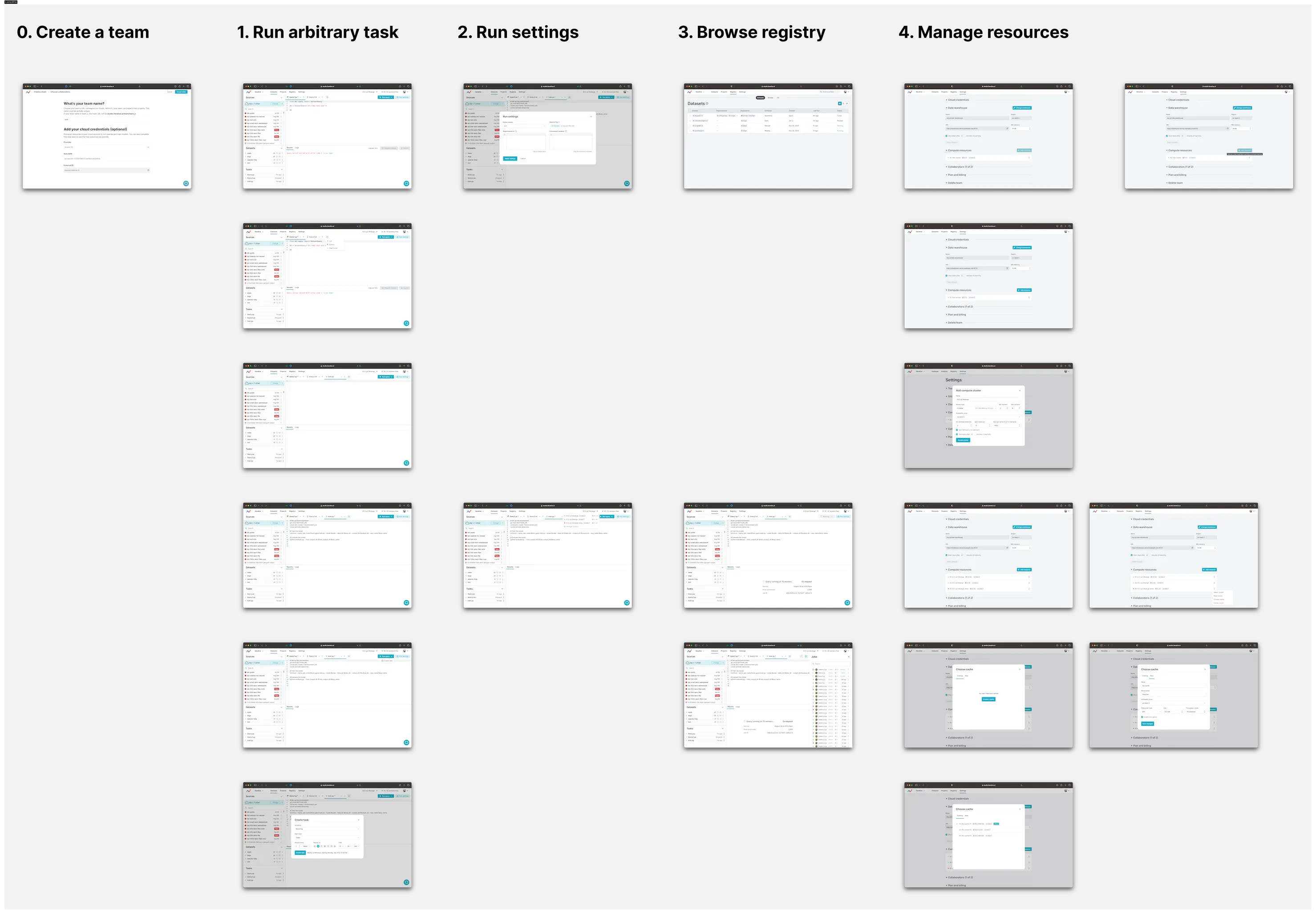
One of the bigger initiatives I took on was a feature intended to help ML Engineers train models on remote compute that they could configure in the product.
DVCX was a new product that had been bolted onto a legacy MLOps product known as Studio. To start, I wanted to think about the happy path of someone onboarding to DVCX, but from the perspective of different users at varying points in their user journey with Studio.
- New to ML? This is someone who is just getting into ML, but doesn't have much experience with MLOps and certainly not Iterative's product.
- New to DVC? This is someone who knows what ML and MLOps are, but isn't familiar with our particular flavor of MLOps.
- Existing DVC user? This is someone who has already been onboarded to our open-source DVC tooling, so they have a working Git repository to start with.
- Existing Studio user? This is someone who is already onboarded into Studio, and so only needs to learn how to onboard with DVCX.
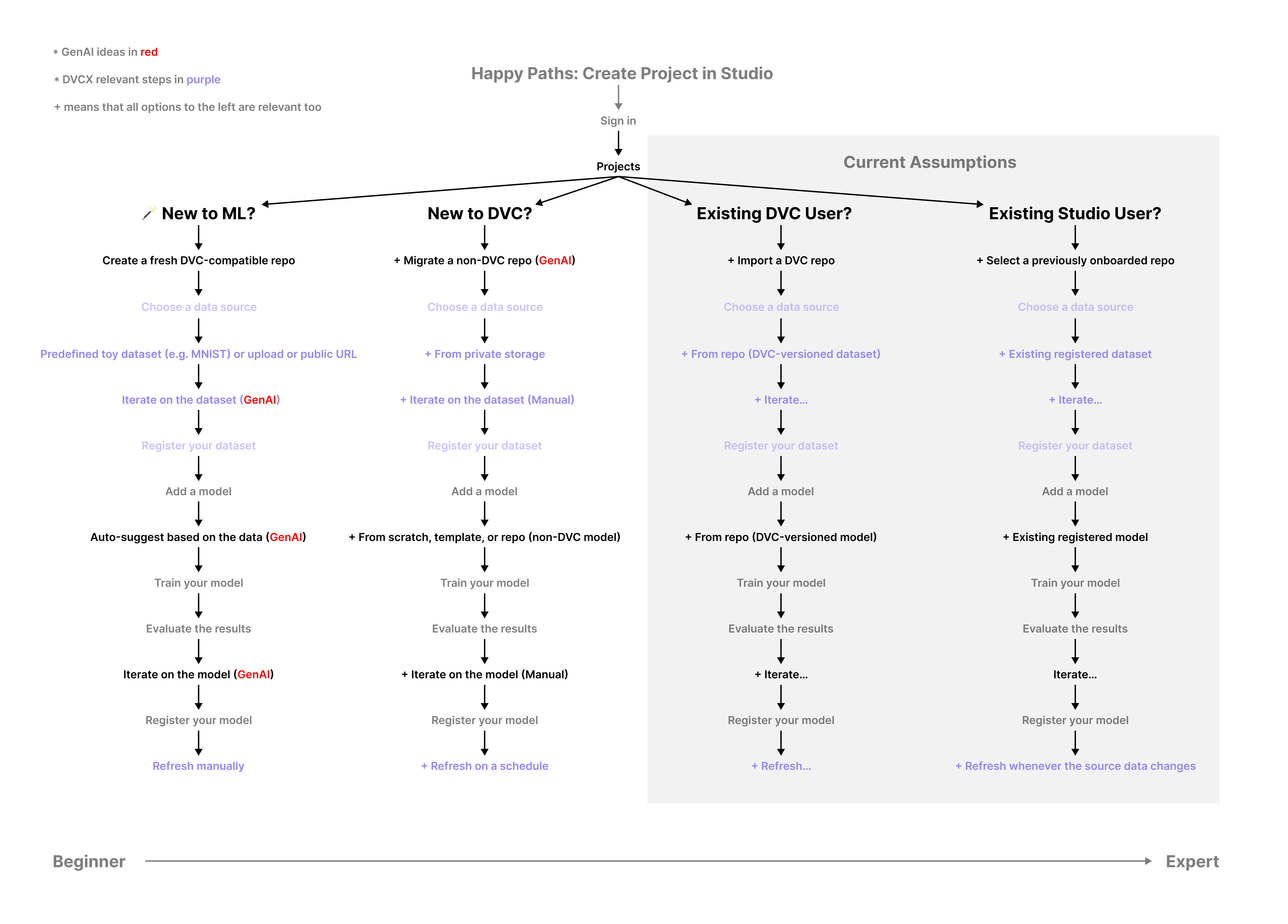
I started this exercise by thinking through the new-to-ML and new-to-DVC paths, since these made the fewest assumptions about the people coming into the product. I built out a few iterations of this flow, but we ultimately decided to pivot the company away from our MLOps focus and to go all-in on DVCX.
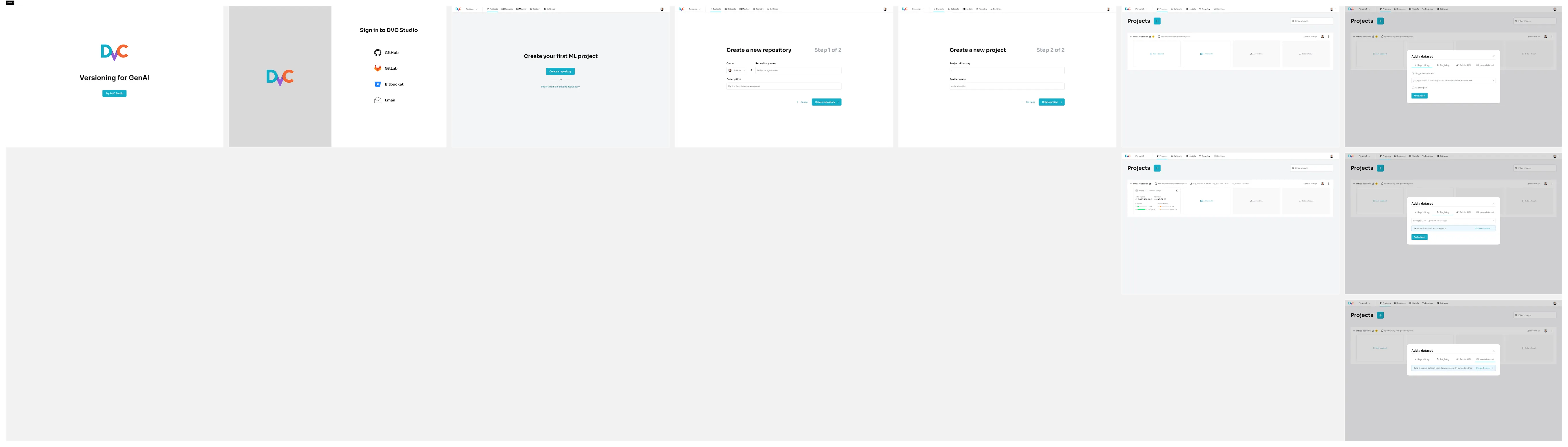
Because of our new focus on DVCX, I pivoted the prototype to take new signups directly to DVCX, sidestepping the MLOps side of Studio entirely.
This new focus resonated strongly with potential customers, who found dataset management to be a much more challenging problem to solve in-house than MLOps.
These customers were using tools like Spark or Databricks, and got frustrated with how complex these tools were to set up. The design of DVCX tried to optimize for simplicity, similar to modern data warehouse tools like Snowflake or ClickHouse.
- VS Code-like editing experience, allowing you to write and share code from your browser.
- Compute switcher lets you specify where you want your code to execute. You can choose from different GPU and CPU instances.
- The Jobs sidebar lets you keep track of the progress of queued jobs. You can keep this open or collapse it if you want to focus on your current task.
- The Sources, Datasets, and Tasks on the left let you keep track of your data sources, registered datasets from other queries, and any tasks that are scheduled to run on a recurring basis.
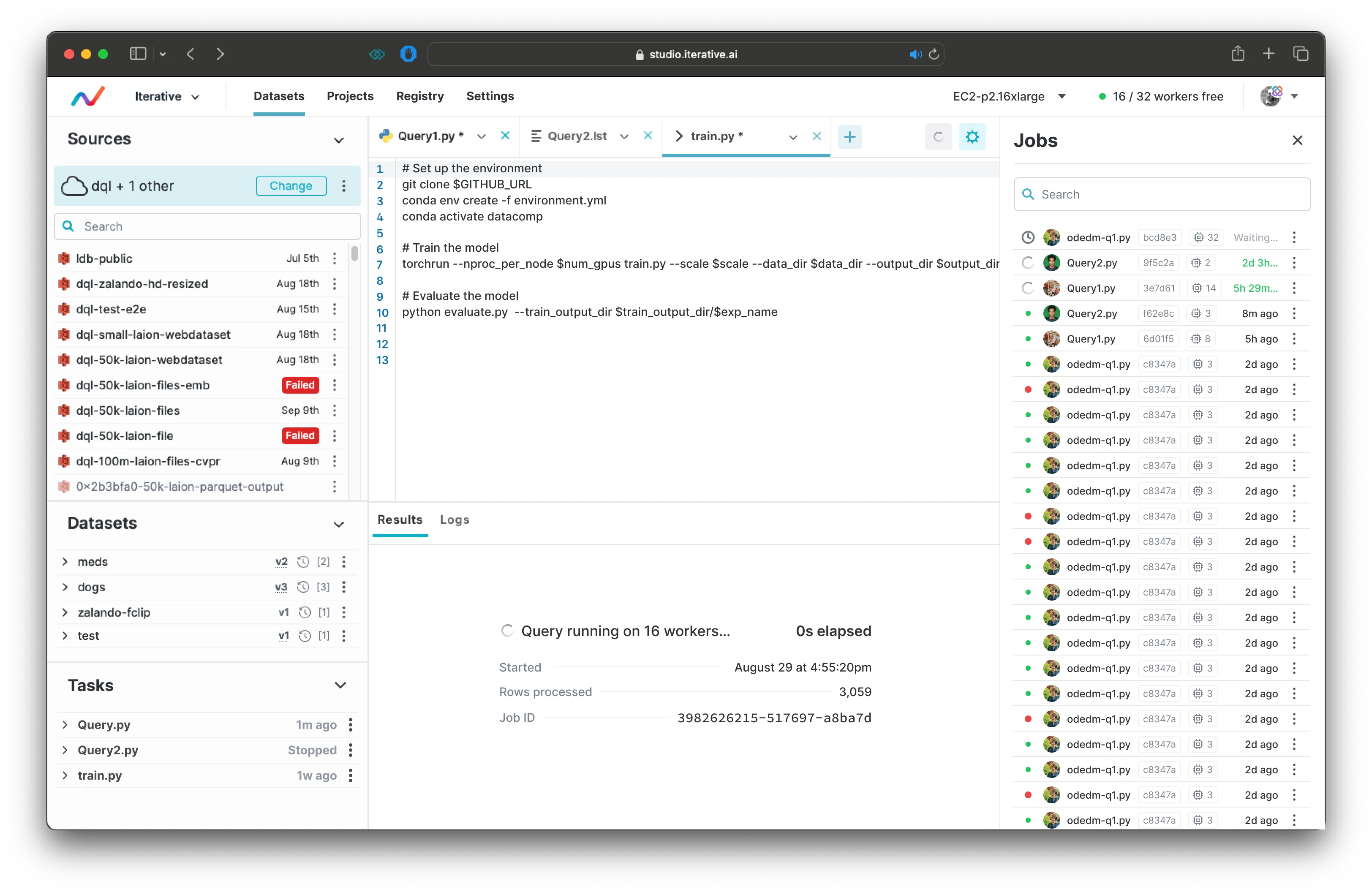
If you want to provision more compute, or manage your existing compute resources, you can do so through Settings.
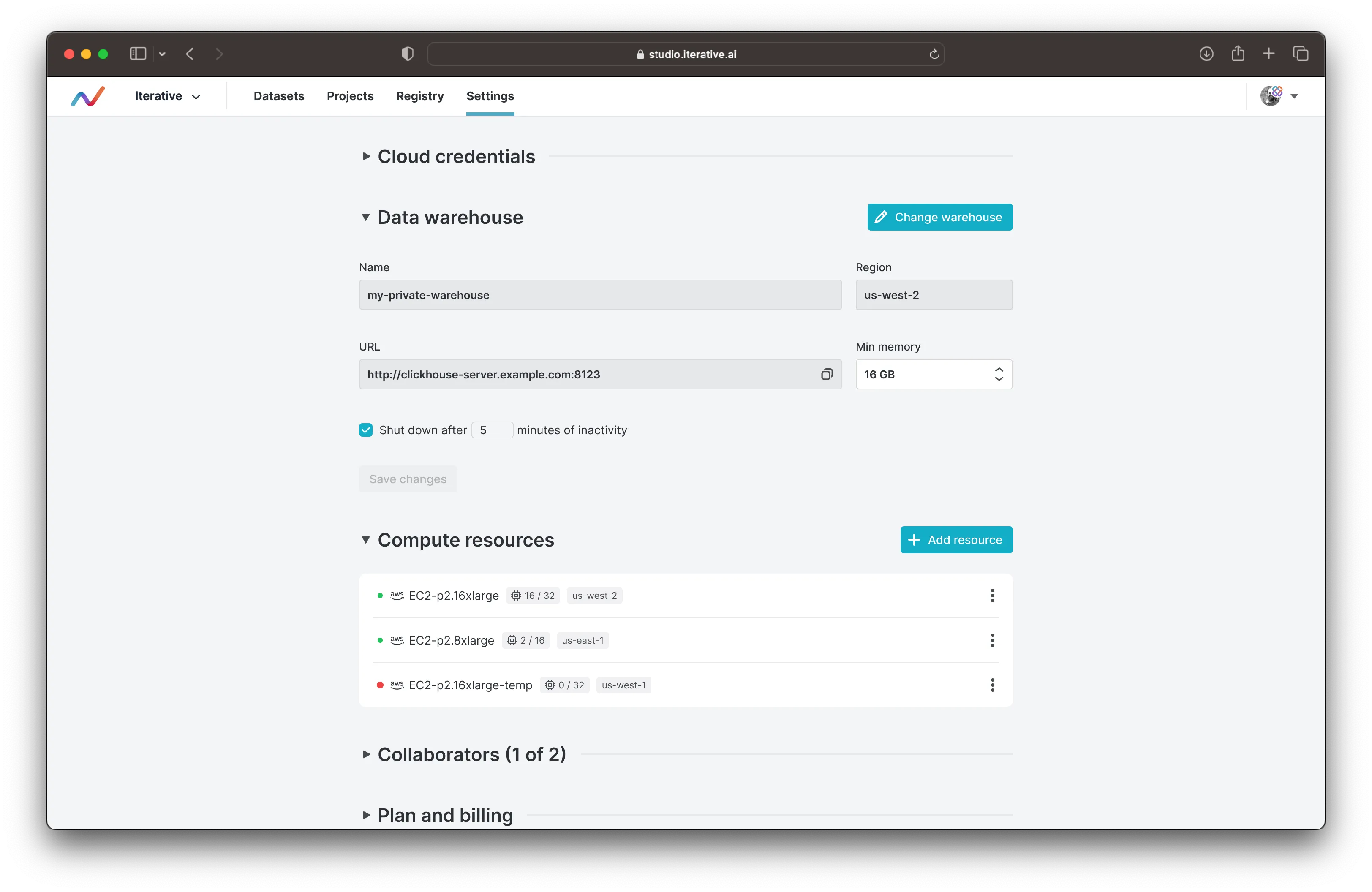
Here's my full walkthrough of the run compute and manage compute flows.